Free car diagnostic tools

CarsDailyHub Tools: free car diagnostic checkers

Practical, free car diagnostic tools that turn dashboard warning lights, check engine lights, OBD2 codes, symptoms, transmission problems, oil type and capacity questions, and maintenance planning into clear next steps. Built for everyday drivers, not mechanics.

Available tools

All four CarsDailyHub tools below are live, free, and require no account. Pick the one that matches your situation and open it directly.
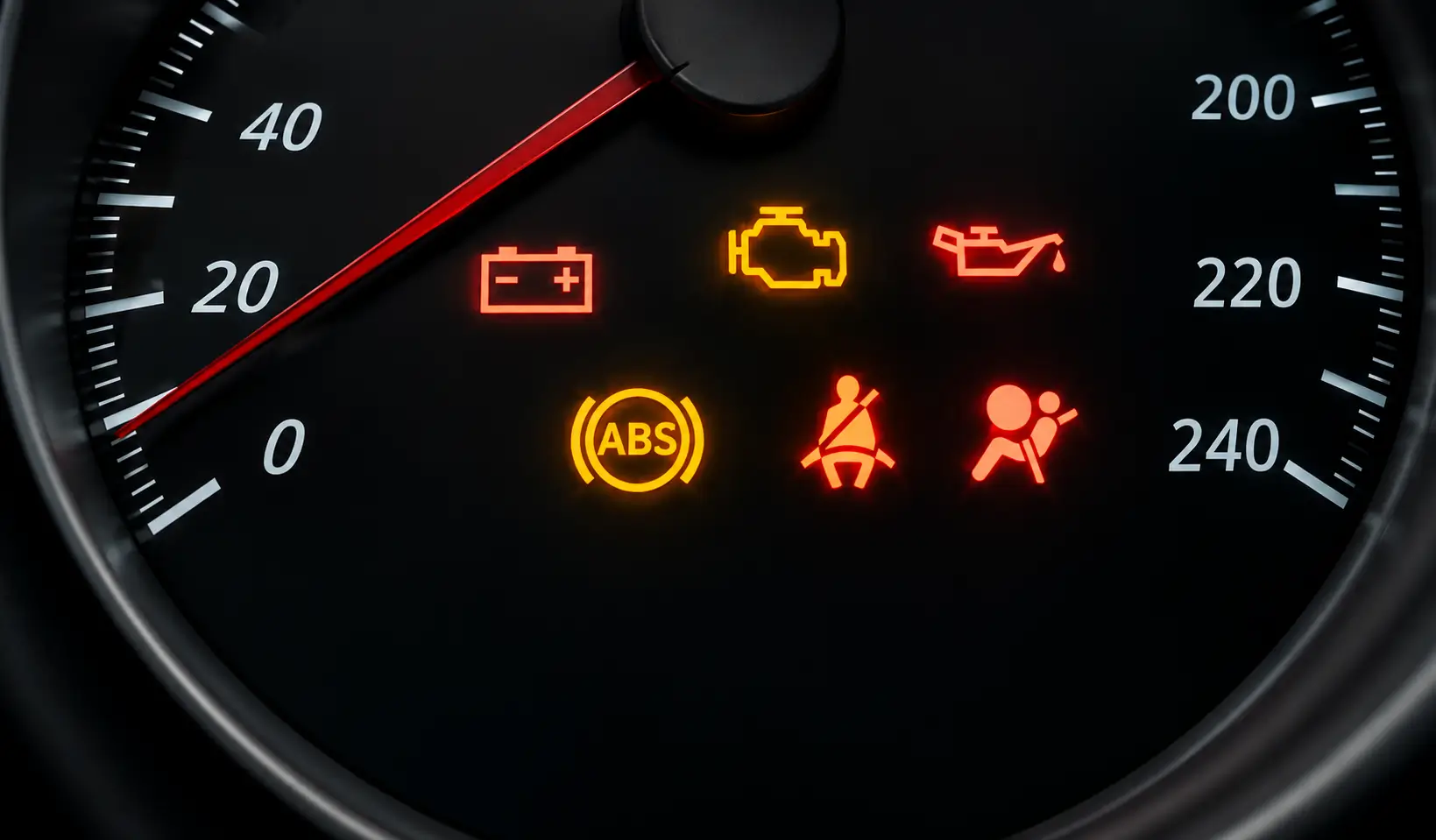
Available now Car Warning Light and Symptom Triage Tool

Car Warning Light and Symptom Triage Tool

Pick your warning light, add your year, make, model, and symptoms, and get a safety-first verdict, likely causes, OBD-II code context, a ready mechanic script, and one automatic plain-English AI explanation.

Open the triage tool →
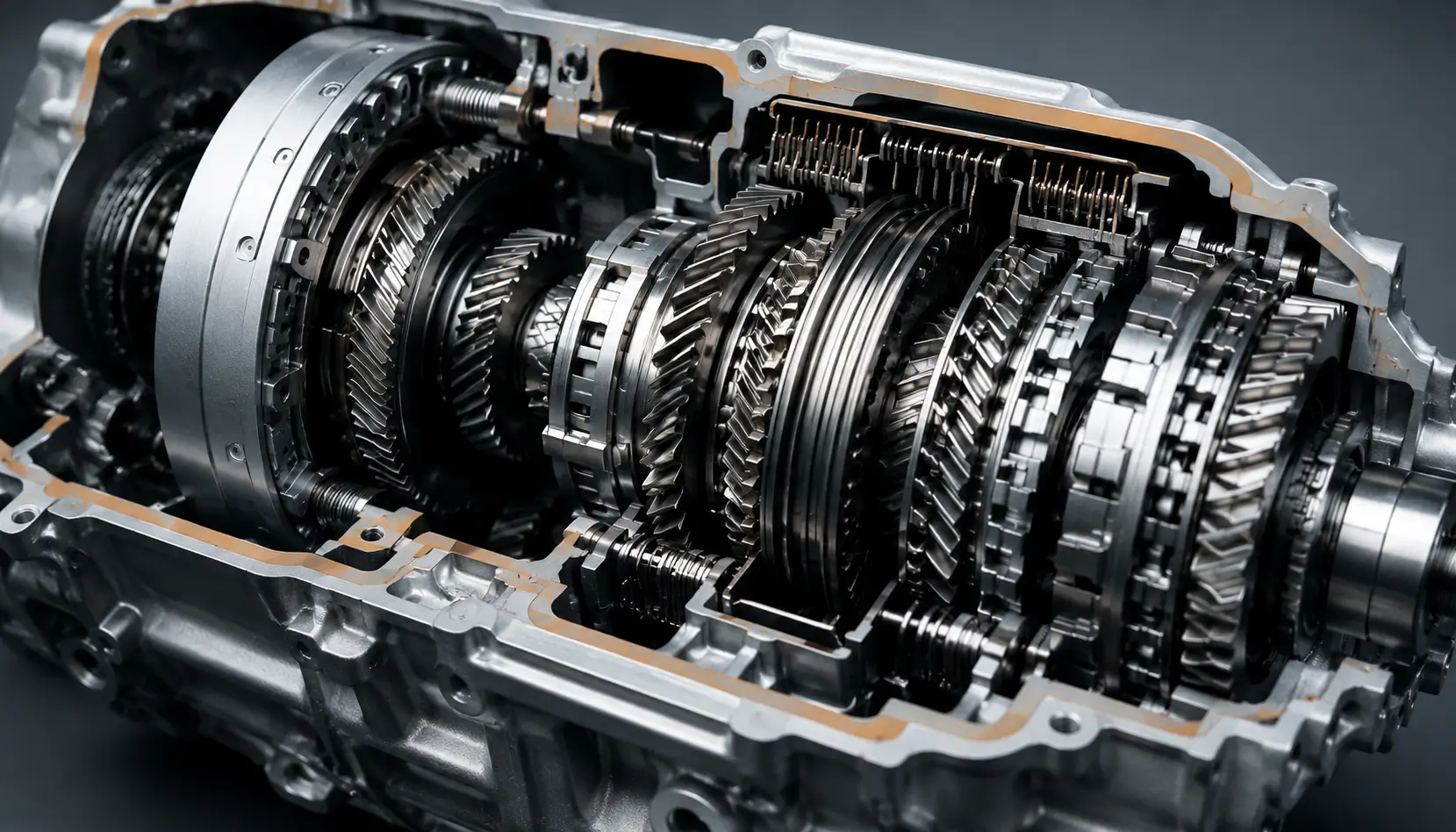
Available now Transmission Problem Checker

Transmission Problem Checker

Check slipping, hard shifts, CVT warnings, shudder, whining, clunks, fluid leaks, and overheating, mapped to likely causes and safe next steps for your transmission type.

Open the transmission checker →

Available now Oil Type and Capacity Lookup

Oil Type and Capacity Lookup

Find oil type and viscosity by year, make, and model. Get exact source-backed capacities where cataloged, and safe owner-manual steps when a spec is not yet in the built-in catalog.

Open the oil lookup tool →
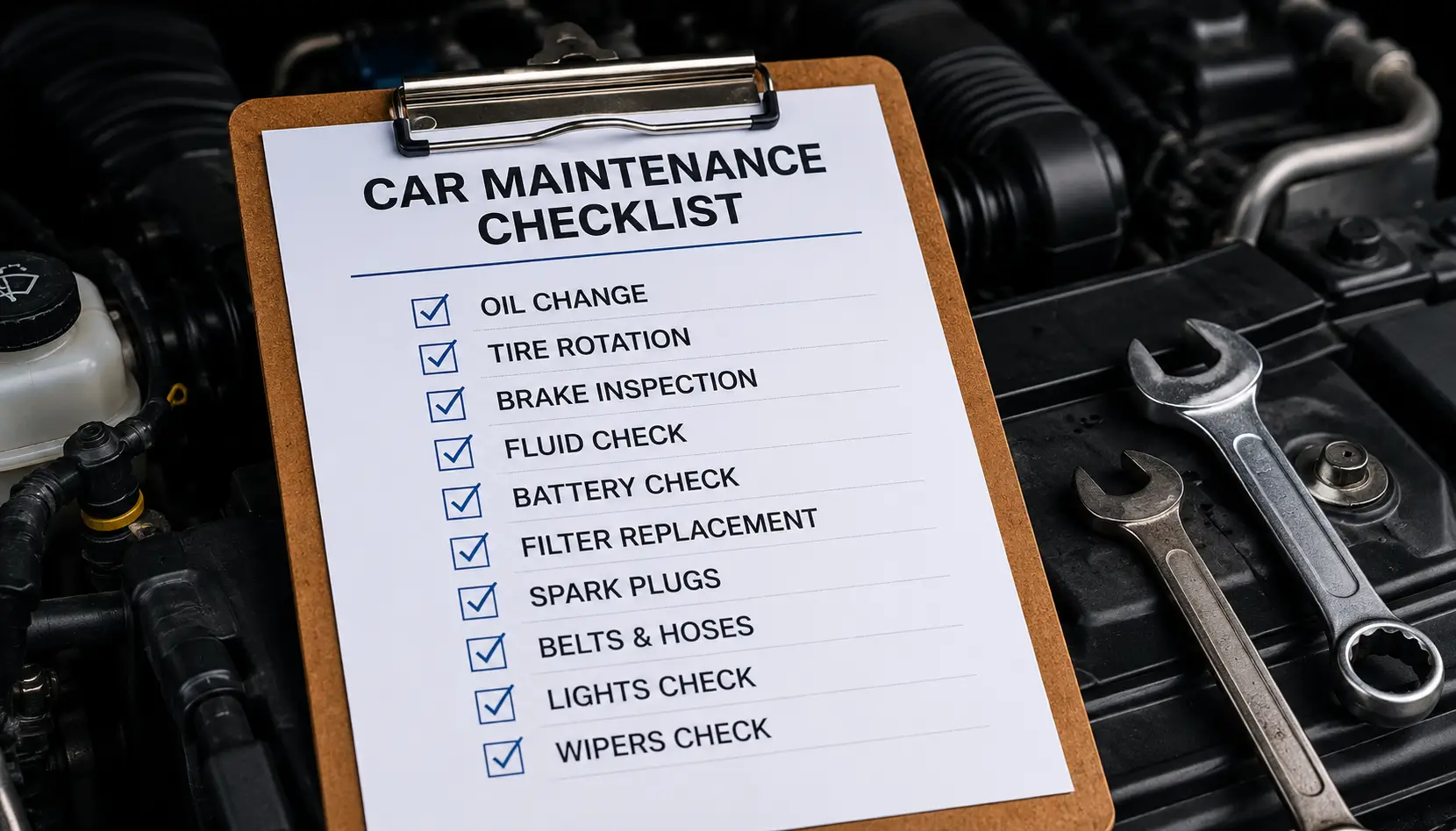
Available now Car Maintenance Schedule Builder

Car Maintenance Schedule Builder

Turn mileage, age, and powertrain into a prioritized now, soon, and later maintenance checklist with a print-friendly plan for gasoline, diesel, hybrid, plug-in hybrid, and EV vehicles.

Open the maintenance builder →
What these car tools help with

CarsDailyHub tools are organized around the same categories as our articles, so a verdict from a tool leads directly into a deeper guide. Use them before a shop visit to understand urgency, talk to a mechanic with confidence, and avoid unnecessary repairs.

How to use the triage tool

The Car Warning Light and Symptom Triage Tool works in four short steps. It is free, requires no sign-up, and keeps your vehicle input in your browser only.

  • 1. Choose the warning - pick the closest dashboard light or symptom-only mode.
  • 2. Add vehicle and details - year, make, model, mileage, OBD code, and when it happens.
  • 3. Select red flags - smoke, overheating, brake or steering loss, and other urgent signs.
  • 4. Get your action plan - a safe-to-drive verdict, likely causes, a mechanic script, and one automatic AI explanation.

Start the free car triage tool →

How the AI helper is protected

The AI helper is designed to explain the first assessment, not replace the safety verdict or invite repeated token use. It runs through a server-side WordPress proxy so the API key is never placed in the browser.

  • One automatic explanation - no repeated Ask AI button is shown on the result page.
  • Server-side key - visitors call the CarsDailyHub REST route, never Ollama directly.
  • Origin and header checks - the proxy rejects requests that do not look like they came from the CarsDailyHub tool.
  • Rate limits and daily budgets - per-IP minute, hourly, and daily limits reduce credit abuse.
  • Cache before API call - repeated identical assessments return a cached explanation instead of spending more tokens.
  • Small bounded prompts - payload size, input length, and output tokens are capped.

Frequently asked questions

Are CarsDailyHub tools free to use?

Yes. The triage tool, transmission problem checker, oil type and capacity lookup, and maintenance schedule builder are all free and do not require an account. The triage tool includes one automatic AI explanation per assessment, run through a server-side proxy that keeps the API key off the page and uses caching plus per-IP budgets to reduce abuse.

Do the tools store my vehicle information?

No. The tools run in your browser and do not send your vehicle details anywhere except the triage tool's automatic AI explanation request, which only forwards the already-computed context and is protected by server-side limits.

Can a car tool replace a mechanic?

No. The tools give general guidance and urgency, not a confirmed diagnosis. Always confirm safety-critical issues with a qualified mechanic.

What if my car is not in the catalog?

Type any year, make, and model. If the exact combination is not in the built-in catalog yet, the tool tells you and continues with generic guidance so you are never blocked. The oil lookup tool will visibly say the exact spec is not in the built-in catalog yet and point you to your owner manual instead of guessing.

Which tool should I start with?

For a dashboard light or symptom, start with the Car Warning Light and Symptom Triage Tool. For shifting or transmission symptoms, use the Transmission Problem Checker. For oil type and capacity, use the Oil Type and Capacity Lookup. For a service plan, use the Car Maintenance Schedule Builder.

Stay current with CarsDailyHub

Bookmark the Tools Hub and come back for new warning light guides, OBD code explainers, and tool announcements.

Start the free triage tool →